
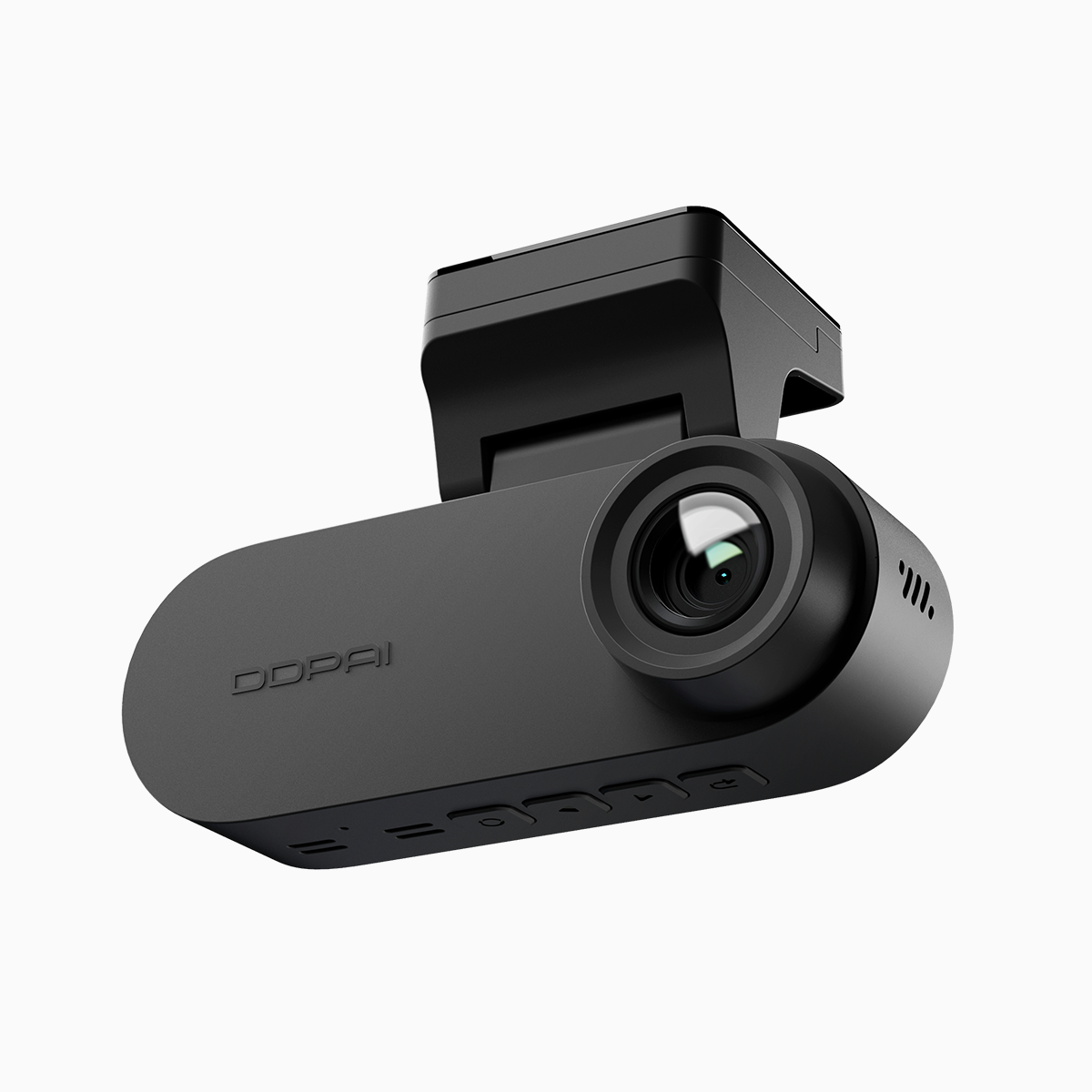
Why G-sensor tuning matters for drivers and fleet managers
Fleet operators want reliable evidence when incidents happen, and proper G-sensor settings plus robust emergency video locking deliver that. For commercial vehicles running many hours a day, a correctly tuned G-sensor reduces missed events and unnecessary locked footage that fills storage. If your fleet uses a front and rear dash cam, a few practical adjustments will save time during claims, audits, and driver coaching.
Start simple: calibration, impact threshold, and real-world checks
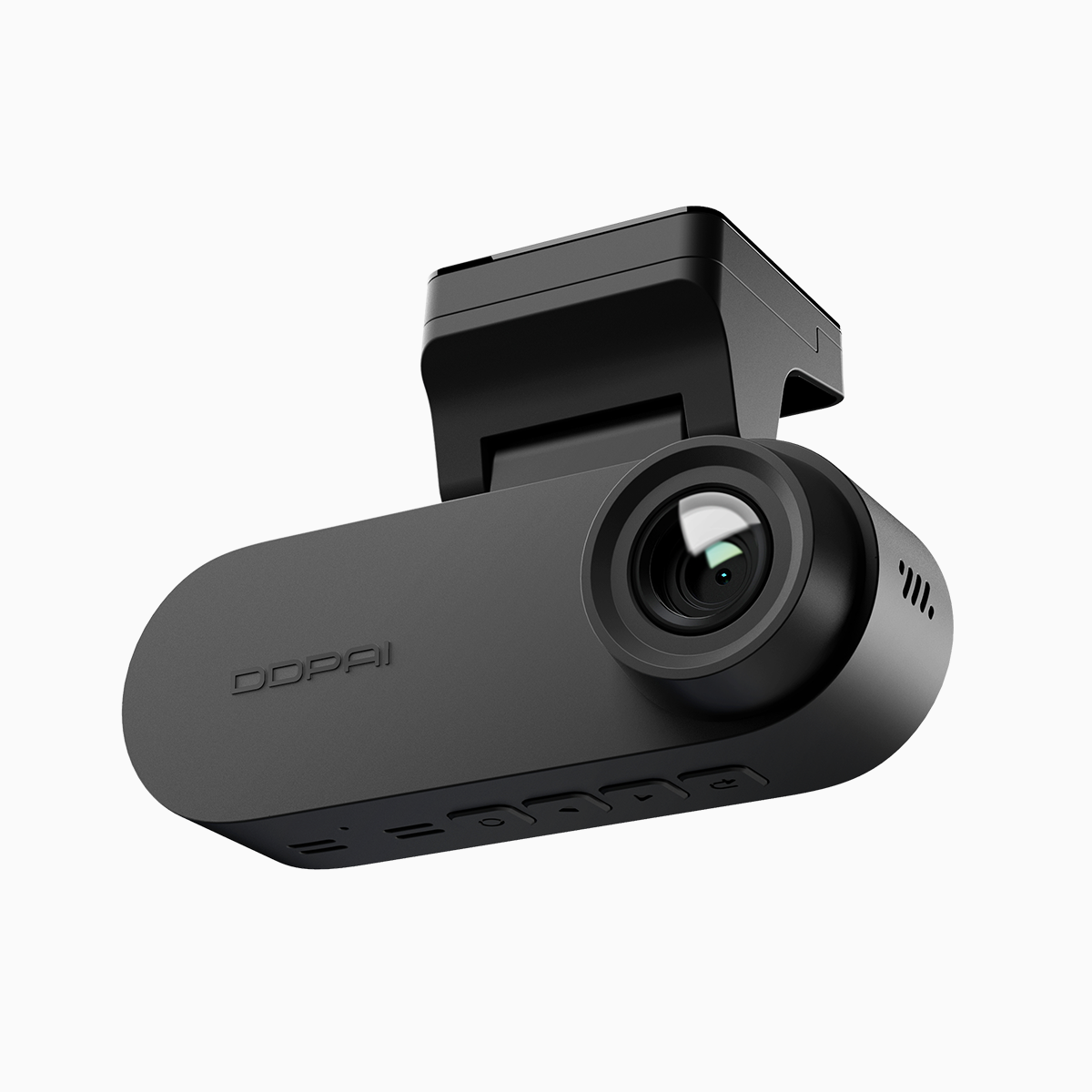
Begin by calibrating the G-sensor using the camera’s setup menu and, where possible, a short test drive on a known route. Calibration aligns the sensor’s baseline so it doesn’t treat normal bumps as collisions. Set the impact threshold to a mid-level first, then review recorded incidents after a week. I once helped a Metro Manila delivery fleet reduce false locks by lowering sensitivity three notches and rechecking timestamps—results were immediate and measurable. Also consider the camera model: a dual lens dash cam records both forward and rear views for cross-checking events, which helps when calibrating for directional impacts.
Balancing sensitivity and storage: practical trade-offs
High sensitivity catches subtle impacts but increases the count of locked clips; low sensitivity saves space but risks missing low-speed incidents. Aim for a balance: tune sensitivity for the majority of urban driving conditions in your area. Use loop recording and set emergency video locking to keep only the necessary pre- and post-impact footage—typically 10–30 seconds either side. Avoid setting emergency locks to indefinite durations unless the clip is evidence for a claim; otherwise, storage management becomes a headache.
Firmware updates, parking mode, and storage hygiene
Keep firmware current to ensure G-sensor drivers and emergency locking behave as designed. Parking mode and motion detection affect locking logic—parking events often need a different sensitivity profile than driving. Use formatted, high-endurance SD cards and schedule routine replacements; cheap cards corrupt faster under constant loop recording. When possible, centralize footage collection for long-haul or multi-vehicle fleets to spot recurring false-positives and apply consistent settings fleet-wide.
Common mistakes and quick fixes
Here are frequent errors that cause unreliable locking and how to fix them:
– Leaving sensors at factory defaults: run a tailored calibration per vehicle type and route.
– Over-reliance on max sensitivity: reduces usable storage and wastes time during reviews.
– Ignoring time-sync and GPS: mismatched timestamps make incidents hard to correlate—always sync camera clocks with GPS or an NTP source.
– Not auditing footage: schedule weekly spot checks to validate settings and driver reports.
Troubleshooting checklist for busy fleets
– Verify G-sensor calibration after any hard service or suspension work.
– Check firmware release notes for sensor improvements before rolling out updates.
– Export a sample of locked clips and compare front/rear feeds to confirm event relevance.
– Replace SD cards every 12–18 months in heavy-use vehicles, more often in hot climates.
Advisory: three golden rules for selecting strategies and tools
1. Prioritize consistency across the fleet—uniform G-sensor thresholds and emergency locking policies reduce noise and speed up investigations.
2. Choose hardware with enterprise features: reliable firmware updates, dual-channel recording, and clear options for pre/post-event buffering and parking mode sensitivity.
3. Measure outcomes: track false lock rates, storage consumption, and time-to-resolve incidents for each configuration change—adjust based on data, not assumptions.
Those three metrics keep operations lean and evidence-ready. DDPAI PH sits well in that workflow as a practical option for fleets needing dependable dual-channel recording and sensible management features—short, clear, and built for real fleet life. —