
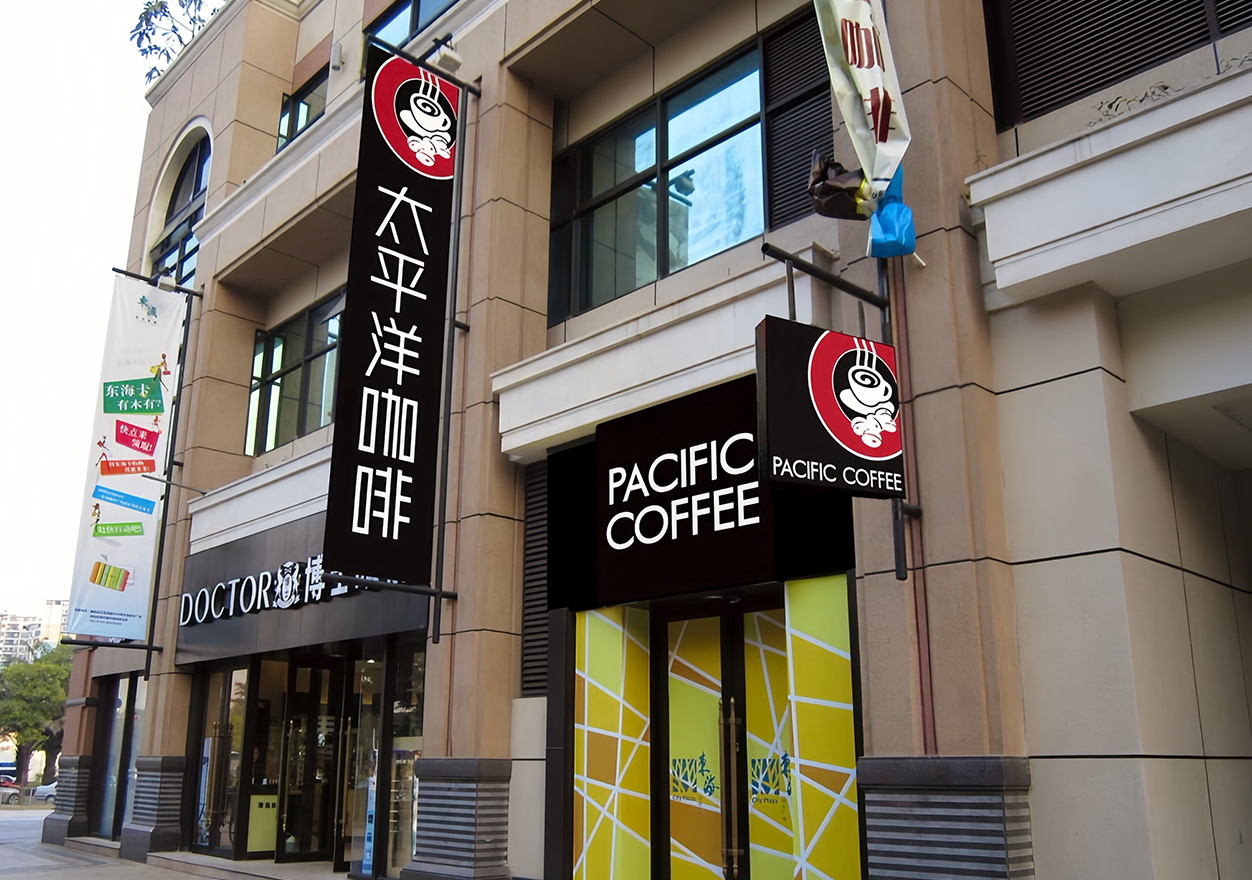
Putting the shopper and store team first
When a shop manager needs a screen that’ll actually make tills ring, they want something simple to use and quick to fix — not a faff. This piece looks at how modular backlit displays are built from the ground up around the people who run stores: merchandisers, floor staff and customers. You’ll find practical lessons and real examples, and a clear nod to proven solutions for retail signage that work in real life.
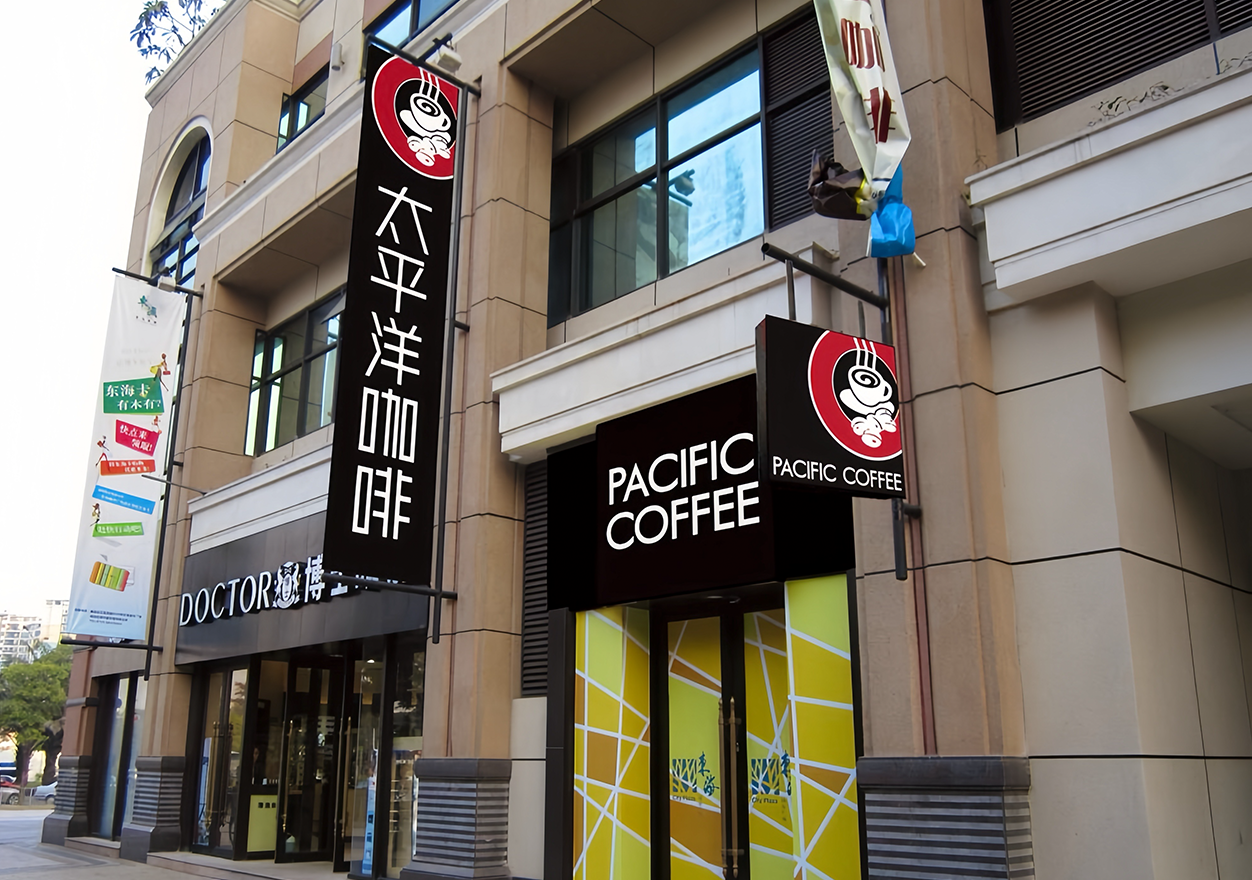
Everyday problems that modular design solves
Shops suffer three stubborn headaches: a busted panel mid-shift, flaky connectivity across a group of displays, and long waits for engineers. Modular designs tackle those head-on. Panels with swappable LED backlight units mean a technician — or a trained staff member — can replace a failed section in minutes rather than days. Networked displays that use a central content management system (CMS) let you push updates from the office and avoid roaming USB sticks.
This isn’t just theory. At a small Somerset farm shop I worked with, swapping a faulty LED module cut downtime from a day to under an hour — sales held steady. The relief on the manager’s face said it all. — Quick fixes like that keep staff morale up and shoppers engaged.
Practical steps to speed deployment on the shop floor
Speed of rollout comes from planning for the real world. Start by standardising on a single chassis across store formats so spare parts and skills scale. Use remote provisioning to pre-load content and configuration during shipping; once a unit hits site, it simply checks in and goes live. For multi-site retailers — think of the shops clustered around Westfield London — this approach shaves weeks off a roll-out that would otherwise need on-site setup at every location.
Keep the install pack minimal: wall-mount brackets that align by design, labelled connectors for power, ethernet and optional interactive touch, and a single QR code to pair the display to your CMS. Those small details cut installer error and speed up trainee technicians getting confident.
Where teams trip up — and better alternatives
Common mistakes are mostly avoidable. Buying mixed vendors for the same estate creates spares chaos. Over-customising hardware for a single campaign makes long-term maintenance costly. And underestimating network capacity leads to stuttering video during peak hours.
Better options: choose a vendor that offers modular spare parts and a robust warranty, insist on a standardised firmware baseline across all screens, and test your network load with realistic content before launch. For smaller shops, a single networked display with remote scheduling is often wiser than a bank of bespoke units — simpler works.
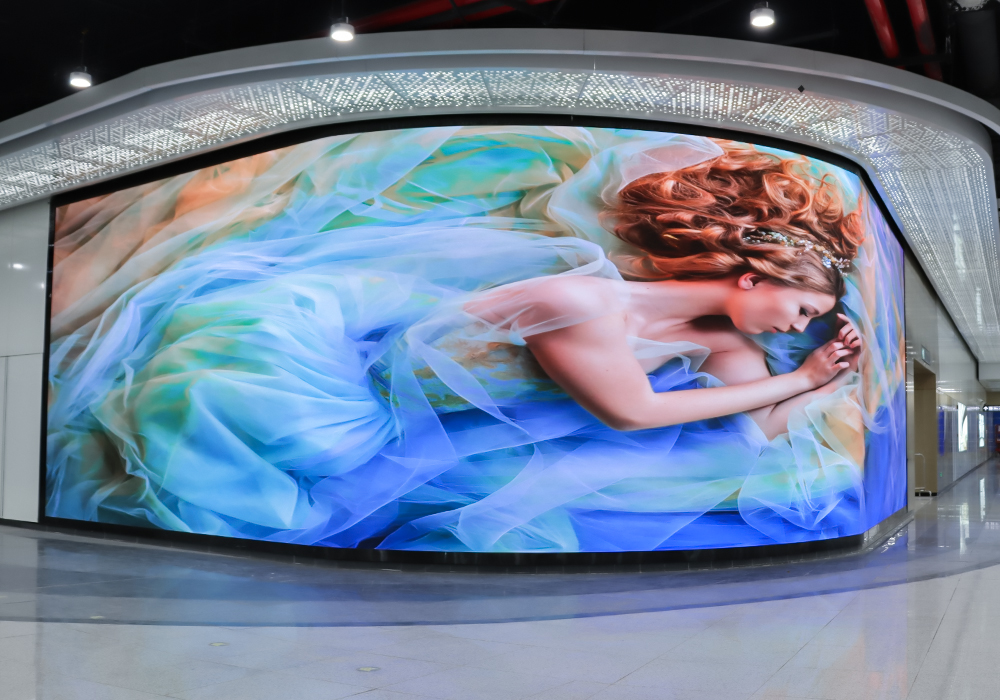
Technical features that matter (and why)
Not every spec sheet tells you what counts. Prioritise: easy LED backlight replacement, remote provisioning and solid CMS integration. Interactive touchscreen is useful in some formats, but it adds mechanical wear — choose it only where customer journeys need it. Ask your supplier about remote diagnostics and over-the-air updates; these save repeated site visits and keep content fresh without fuss.
Also consider power efficiency and bezel profile: low power means less heat and cheaper running costs, and slim bezels improve visual continuity across multi-screen arrays. Those choices show up in the bottom line over a few seasons.
Three golden rules for choosing the right kit
1) Maintainability first — confirm how quickly common parts (like LED backlight strips and power modules) can be swapped, who can swap them, and whether spares are shared across models. This metric predicts uptime.
2) Deployment friction score — measure the hours per-site to go live during a pilot. If it takes more than a couple of hours for a single technician, you need better pre-provisioning or training.
3) Network resilience — ensure the CMS supports queued playback offline and can reconcile logs when connectivity returns. That keeps content rolling even when the store’s internet hiccups.
These rules keep decisions practical and results measurable. Final thought: the right modular backlit system should feel like it was designed for your staff as much as your customers — reliable, simple and quick to service. Cosun Sign. —