
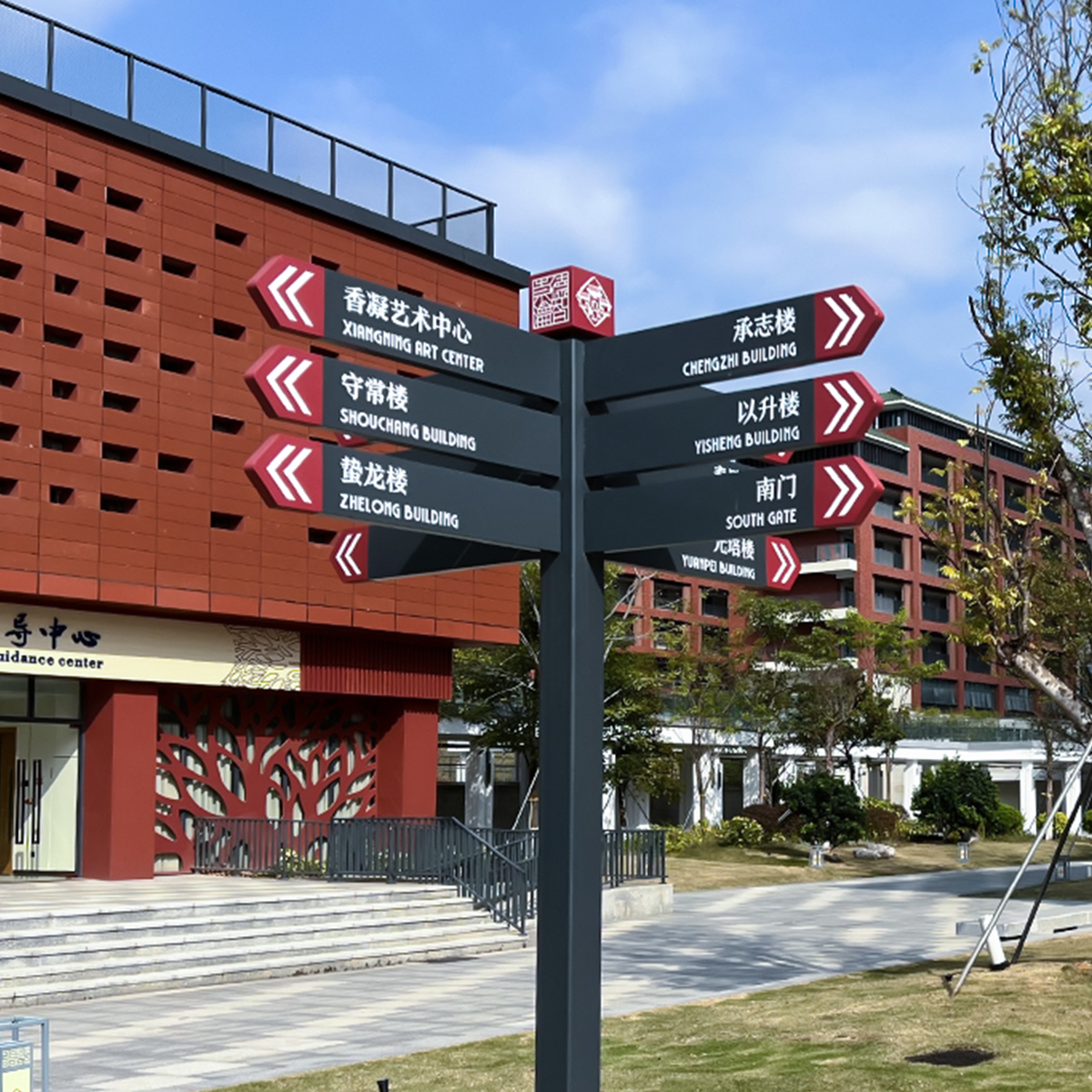
Why a framework matters for bus-interchange screens
Start with a clear framework and you avoid firefighting at peak hour. A bus station set-up has to balance structural load, weatherproofing, visibility and uptime — all while showing timely passenger info. Choosing commercial digital signage without a method means you risk screens that fade, overheat, or drop out when commuters rely on them. Think LED panel specs, brightness (nit) needs for daylight, and a content management system (CMS) that actually pushes updates on time.

The five-layer framework
Layer 1 — Structural & mounting: engineer mounts to handle wind shear and vibration. Use rated brackets, and account for dynamic load where buses dock. Include capacity buffers rather than exact fits.
Layer 2 — Environmental robustness: pick screens with the right IP rating (IP65 or higher for exposed sites) and heat management. Enclosure thermal design matters; passive vents and proper airflow stop early failures.
Layer 3 — Visibility & user experience: set luminance targets based on ambient luminance; indoors is different to open concourses. Content legibility is a UX job as much as a hardware one — font sizes, contrast ratios and the CMS schedule all feed the experience.
Layer 4 — Power, redundancy & connectivity: design for failover. Localised UPS, automatic failback, and cellular backup for network outages keep the feed alive. Solid-state storage and watch-dog software reduce service trips.
Layer 5 — Operability and customization: ensure maintainability and modular replacement parts. Plan for remote diagnostics through the CMS and allow for bespoke housings via digital signage customization when the site needs special touch.
Common mistakes and practical fixes
Specing a cheap panel for a sun-exposed bay is a false economy — it looks fine in a catalogue but hangs in the harsh midday glare and fries by summer. Substitute with a higher nit-rated screen and anti-glare finish. Overlooking ingress protection is another classic; get the IP rating right and add sacrificial filters if the location is salty or dusty.

Skipping thermal modelling is asking for throttled performance. Add temperature sensors and automatic dimming to protect the LED driver. And don’t forget maintenance access — a screen bolted in a tight recess is a pain to swap, which costs time and cash later.
Applying the framework: a real-world anchor
Look at Auckland’s Britomart or Christchurch’s Bus Interchange to see practical demands: those hubs shift thousands of people daily and need clear displays round the clock. Operators there run routine illumination stress audits that track luminance decline over time and log failures — that concrete data guides replacement cycles. Use that approach locally: schedule periodic audits, monitor nit output, and let real readings set your refresh plan.
Quick troubleshooting checklist — keep it simple
Check power rails first; then network latency logs; then screen health metrics in the CMS. If screens dim unpredictably, examine the ventilation and the LED driver temps — often it’s a clogged vent or an aging PSU. Small fixes early save big site visits later — worth the effort, trust me — and your commuters notice reliability.
Three golden metrics to judge any bus-station signage project
1) Uptime percentage: aim for 99.5% or better across busy hours. 2) Measured luminance vs ambient ratio: ensure readable contrast at peak sunlight. 3) Mean time to repair (MTTR): keep it under a business-defined window with spares and modular mounts. Use those metrics to compare vendors, hardware specs and maintenance plans.
These rules steer you toward reliable installations and sensible lifecycle spend. Cosun Sign sits in that space with practical options that meet structural, environmental and content needs — giving you a kit that actually lasts and a partner that understands on-the-ground realities. —