
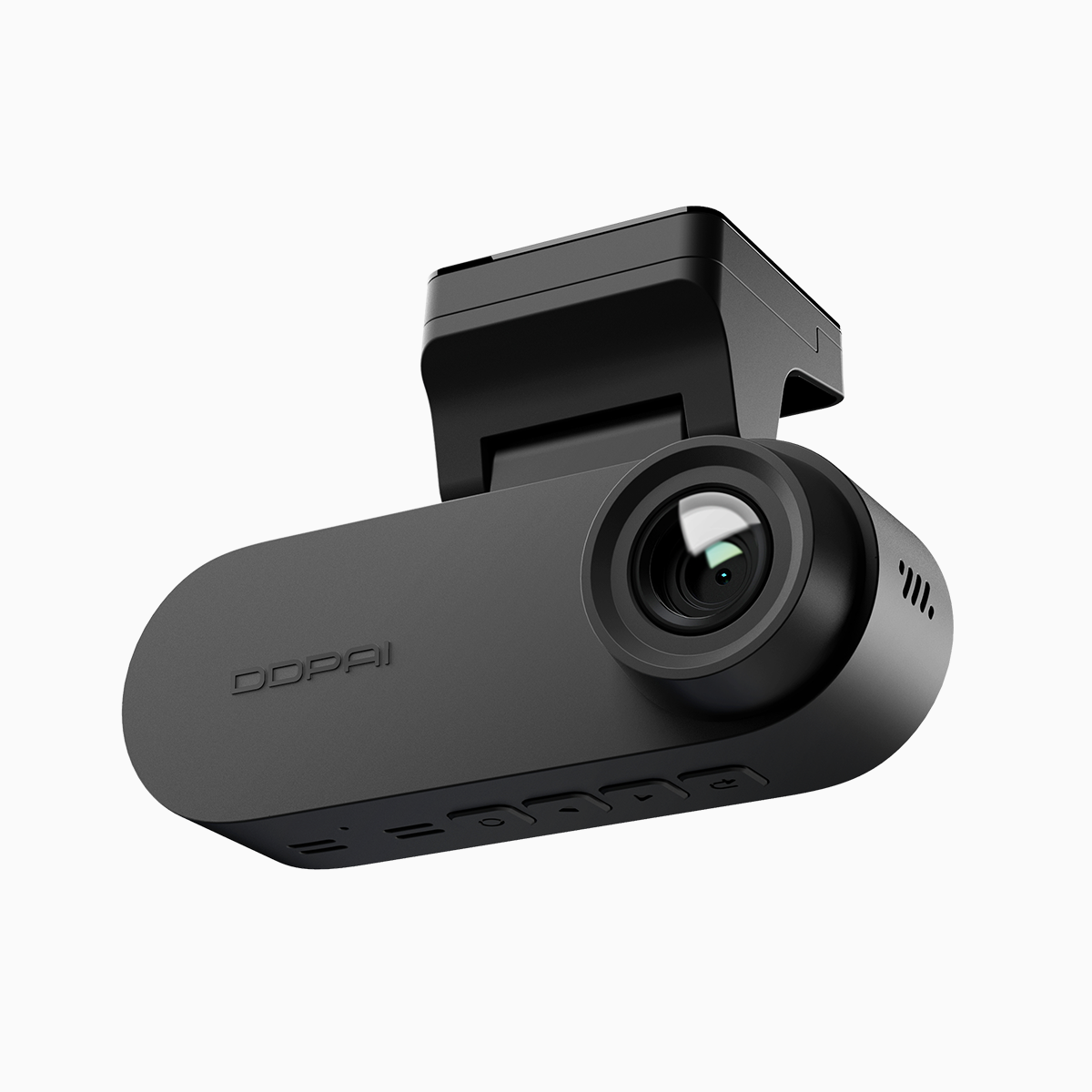
Comparative insight: framing the practical dilemma
Choosing a dual-view dash cam feels like choosing a companion for long drives—reliable, vigilant, and durable. This piece compares how hardware choices, memory handling, and firmware behavior interact to prevent microSD card corruption and premature write cycle failures. For readers in the Philippines, practical context matters; see local options at dash cam philippines while you read, because availability and after-sales support change the calculus.
What actually wrecks recordings: the technical culprits
Corruption rarely stems from hero-level glitches; it grows from repetitive stresses. High bitrate recordings tax a microSD card’s write cycles. Heat combined with continuous loop recording and poor thermal design accelerates wear. In the field, weak firmware that doesn’t manage file indexing or abrupt power loss will corrupt segments. Terms to know here: microSD card, write cycles, loop recording—simple concepts with compound effects.
Comparing camera design and memory strategy
Not all dual-view dash cams treat storage the same. Some favor high-resolution sensors and throw bitrate at the problem, pushing sustained writes that shorten card life. Others balance sensor quality with intelligent bitrate scaling, pre-allocated file systems, and robust exFAT handling to reduce fragmentation. A camera with firmware that supports error-recovery and graceful shutdown during low-voltage scenarios will protect files better than one that simply records until it stops.
Field anchor: Manila commutes and what they taught me
After weeks of field testing around Metro Manila’s congested corridors—where stop-start driving, long idles, and sudden weather produce real strain—I observed patterns. Cameras with active temperature management and conservative bitrate modes produced far fewer corrupted clips. I also noticed that choosing branded microSD cards and formatting them in-device reduced invisible errors. These are practical, not theoretical, lessons rooted in daily traffic conditions and routine rainy-season incidents.
Common mistakes owners make
People often assume “bigger capacity equals better” and buy the fastest card they can find; instead they mix incompatible speeds with low-quality controllers. Failing to use a camera’s recommended microSD class, neglecting firmware updates, and skipping regular file checks are the main culprits. Another widespread error is over-relying on continuous high-bitrate 4K unless the camera and card are explicitly rated for sustained writes—thermal throttling will interrupt long sessions.
Practical mitigations and product features that matter
Look for these features when comparing dual-view models: firmware with managed file allocation, support for high-endurance microSD cards, thermal design that vents heat away from the card slot, and configurable bitrate or parking mode recording. A camera that can gracefully power down and finalize files during a cut power event will save evidence—and sanity. Consider also WDR and low-light performance; clarity reduces the need to crank bitrate unnecessarily.
Three golden evaluation metrics
Measure choices against three concrete metrics before buying: 1) Endurance compatibility—confirm the camera’s tested microSD types and whether it has “high-endurance” handling. 2) File integrity features—look for atomic file finalization, journaling, or pre-allocation in firmware. 3) Thermal and power resilience—verify operating temperature range, parking-mode power management, and any real-world tests. These metrics translate into fewer corrupted clips and longer card life.
In practice, the brand that couples pragmatic firmware with clear memory guidance and solid local support wins—because hardware means little without sustained software care. For many drivers in the Philippines, that balance is what turns a dash cam into a dependable witness rather than a liability. Worth the watch.